
Description
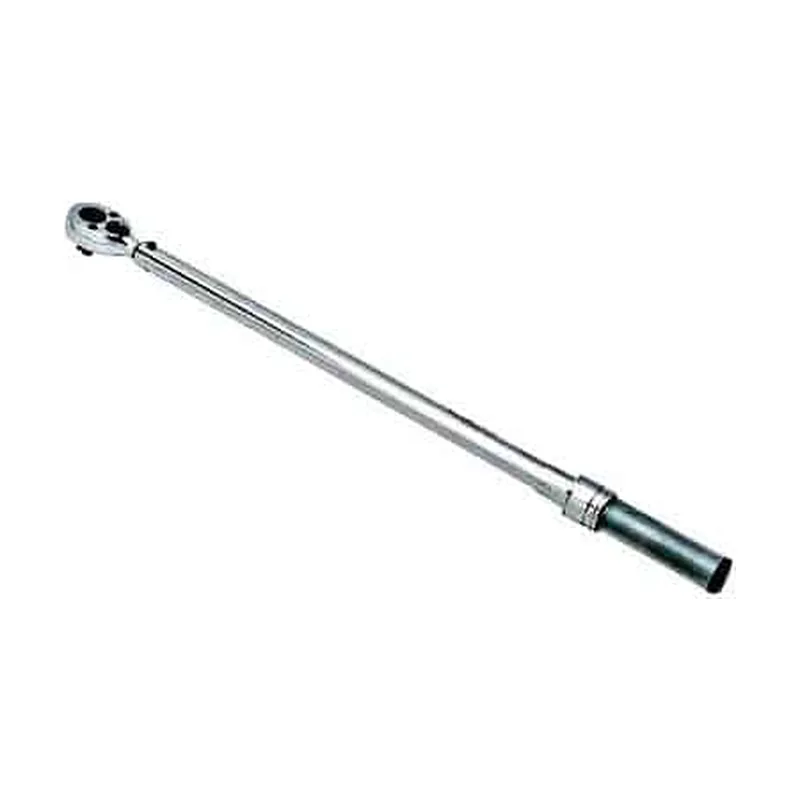
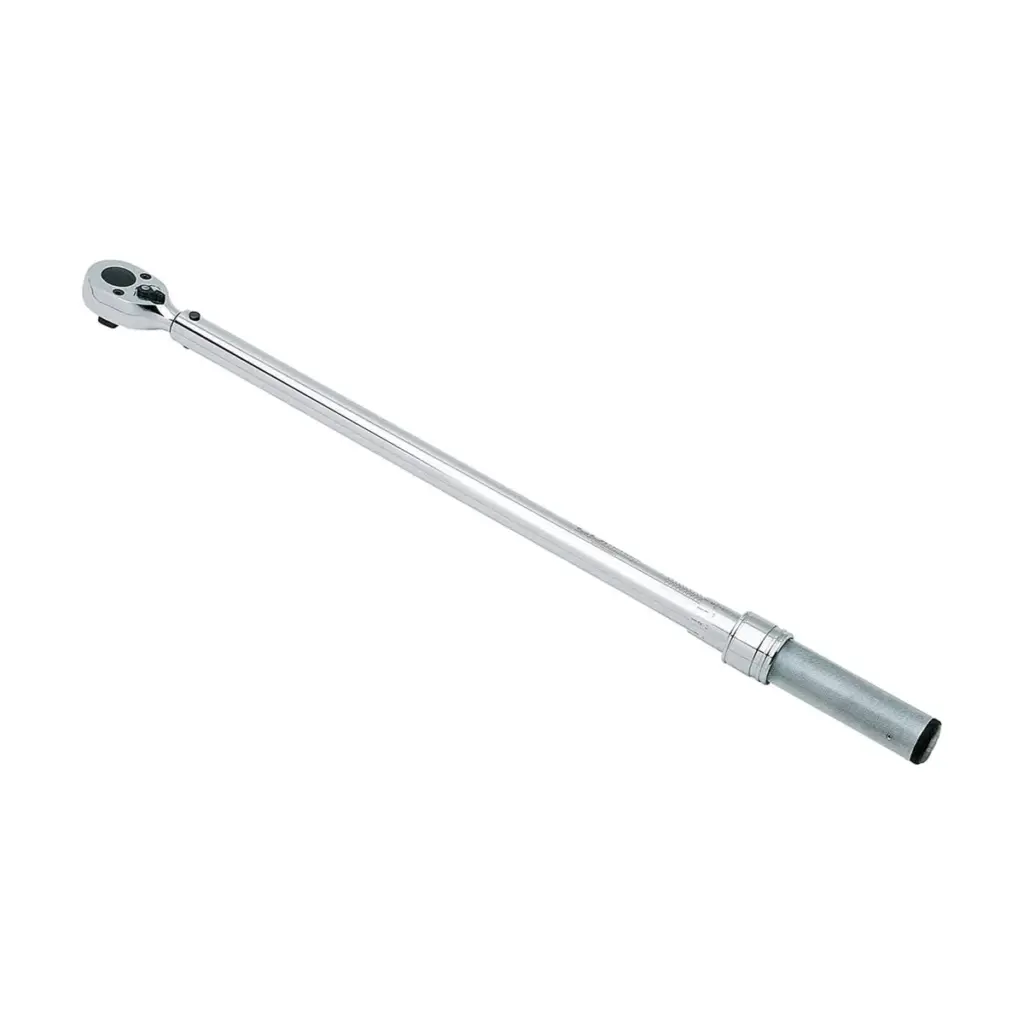
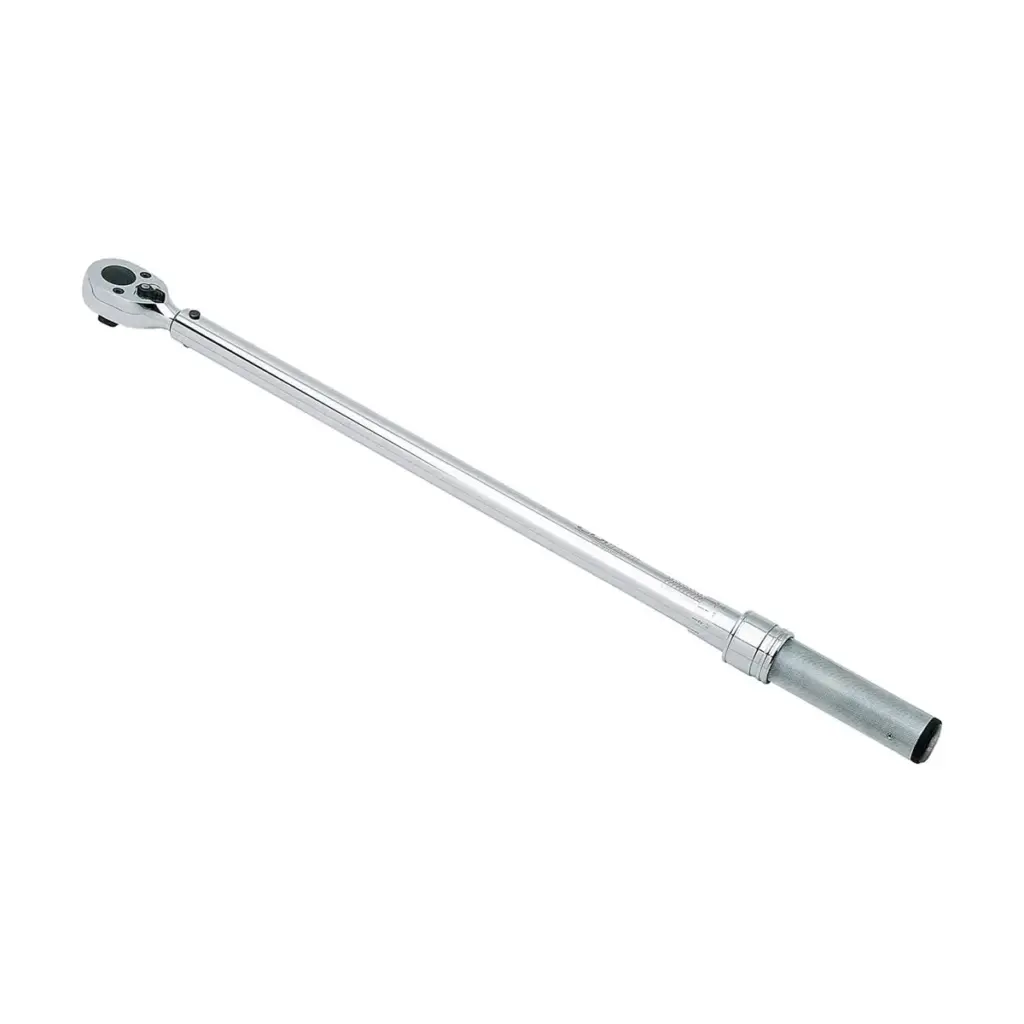
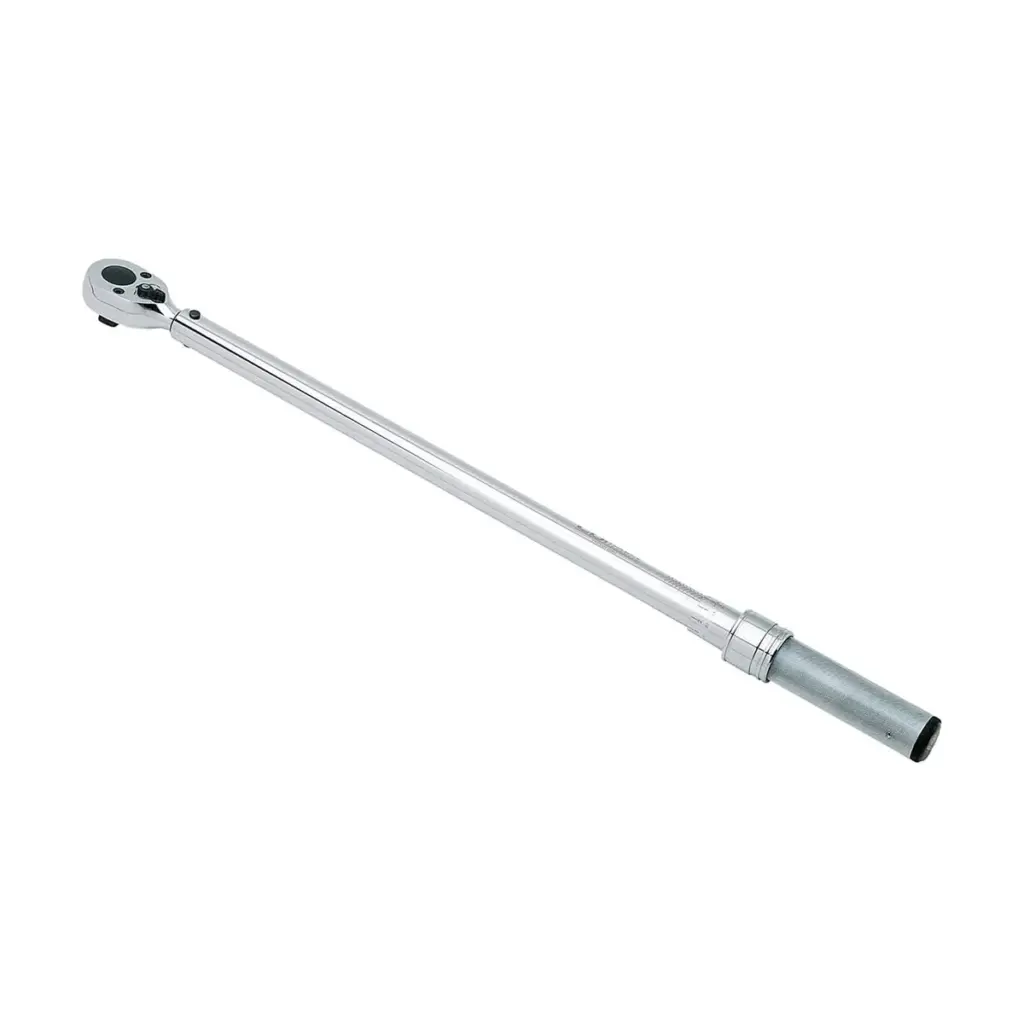
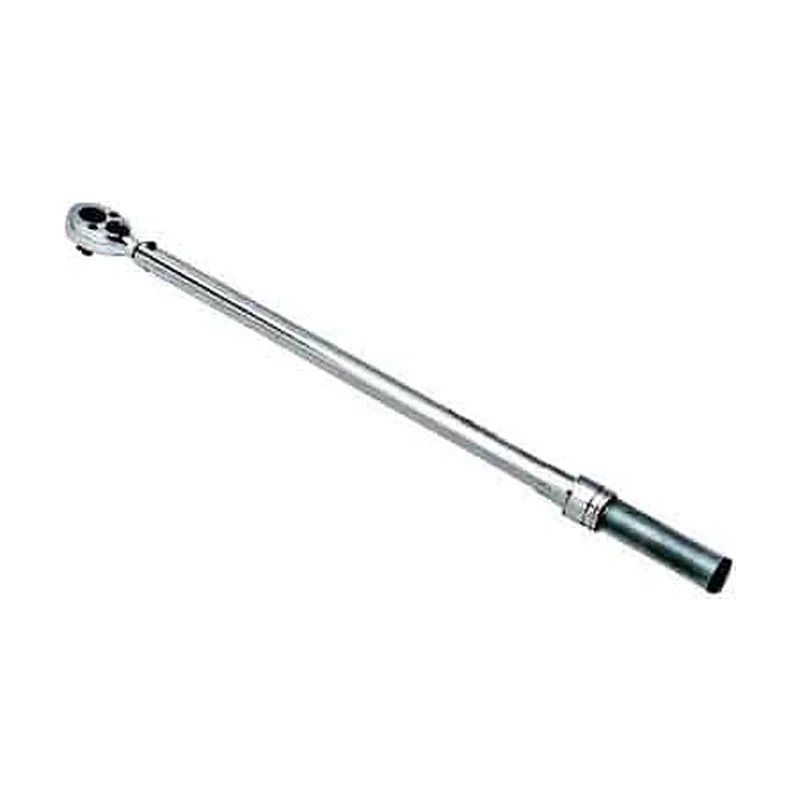
Truck, bus and heavy equipment lines tighten many half-inch joints that QA must prove later. However, a click wrench cannot leave that proof behind. The Snap-on CTECH3R250A torque wrench measures each pull electronically and stores the result. In addition, it pairs a 1/2 inch square drive with a fixed ratchet head and covers 12.5 to 250 ft-lb.
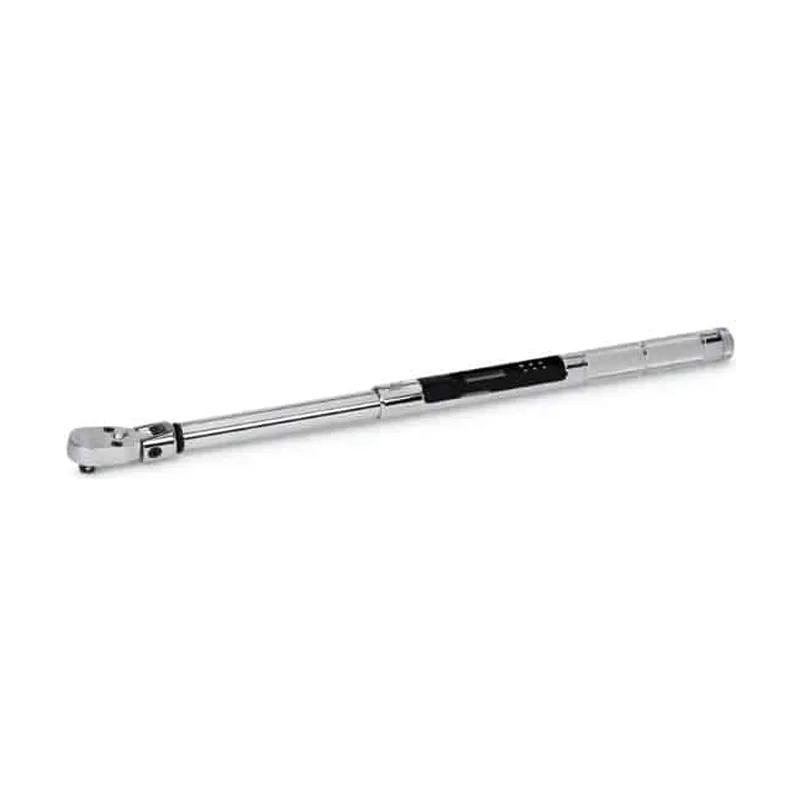
Fixed ratchet or flex head?
A fixed ratchet head keeps the drive in line with the handle. So the operator never sets or holds a head angle before each pull. A flex head, by contrast, reaches around brackets, yet it adds a joint that the operator must control. For open, straight access on axles and frames, the fixed head of the CTECH3R250A keeps the stroke simple. Therefore, choose a flex model only when access forces an angle.
ControlTech features on the Snap-on CTECH3R250A torque wrench
- Four indicator modes: LCD screen, LED lights, audible beep and handle vibration.
- Torque and angle combo mode, with an angle range of 0 to 360°.
- 50 presets that a supervisor can lock against changes.
- Sequence programming and job mode for a fixed bolt order.
- Memory for 1,500 readings, plus USB download.
- A calibration due indicator, as well as a display in English, French, Spanish or German.
Snap-on lists these features for its ControlTech Industrial standard models in catalog CAT1500i, and the CTECH3R250A data notes repeat them.
Accuracy you can plan around
Snap-on states torque accuracy of ±2% clockwise and ±3% counterclockwise, from 20% to 100% of full scale. Also, for angle, the catalog gives ±1% of reading, ±1°. Therefore set targets for the Snap-on CTECH3R250A torque wrench from 50 ft-lb upward, where the stated torque limits apply. Below that, a 3/8 inch ControlTech model fits better.
Using job mode on a line
First, an engineer builds a job with the bolt order and a preset for each step. Next, the operator selects the job and follows the screen from joint to joint. The colored LEDs signal when to stop, and the beep and handle buzz add a second cue for workers in ear protection. At the end of the shift, QA plugs the wrench into a PC and downloads the time-stamped results.
Care of the Snap-on CTECH3R250A torque wrench
Keep the wrench in its case when it is not in use, and keep the battery area dry. Then wipe grease off the ratchet and handle after each shift. Also, never use it to break fasteners loose, since Snap-on warns against that. Finally, watch the calibration due indicator, and send the tool out before the date passes.
Pricing the CTECH3R250A for your plant
Lost in HCM supplies this ControlTech wrench and quotes each order, while SMK Vietnam lists it. To price one or a line set, request a quote from Lost in HCM. For other drives and heads, see the torque wrenches category, read more at snapon.com, or contact SMK Vietnam.
Digital wrench FAQ
Does the CTECH3R250A include a calibration certificate?
Snap-on’s data notes for this model list a factory-provided calibration certificate. Confirm the paperwork with Lost in HCM when you ask for the quote.
Can one pull cover both torque and angle?
Yes. The combo mode tracks torque plus angle in one pull, from 0 to 360°.
How do readings reach our QA system?
First plug the wrench into a computer by USB, then download the stored data. Snap-on says no extra software is needed.








Reviews
There are no reviews yet.