
Description
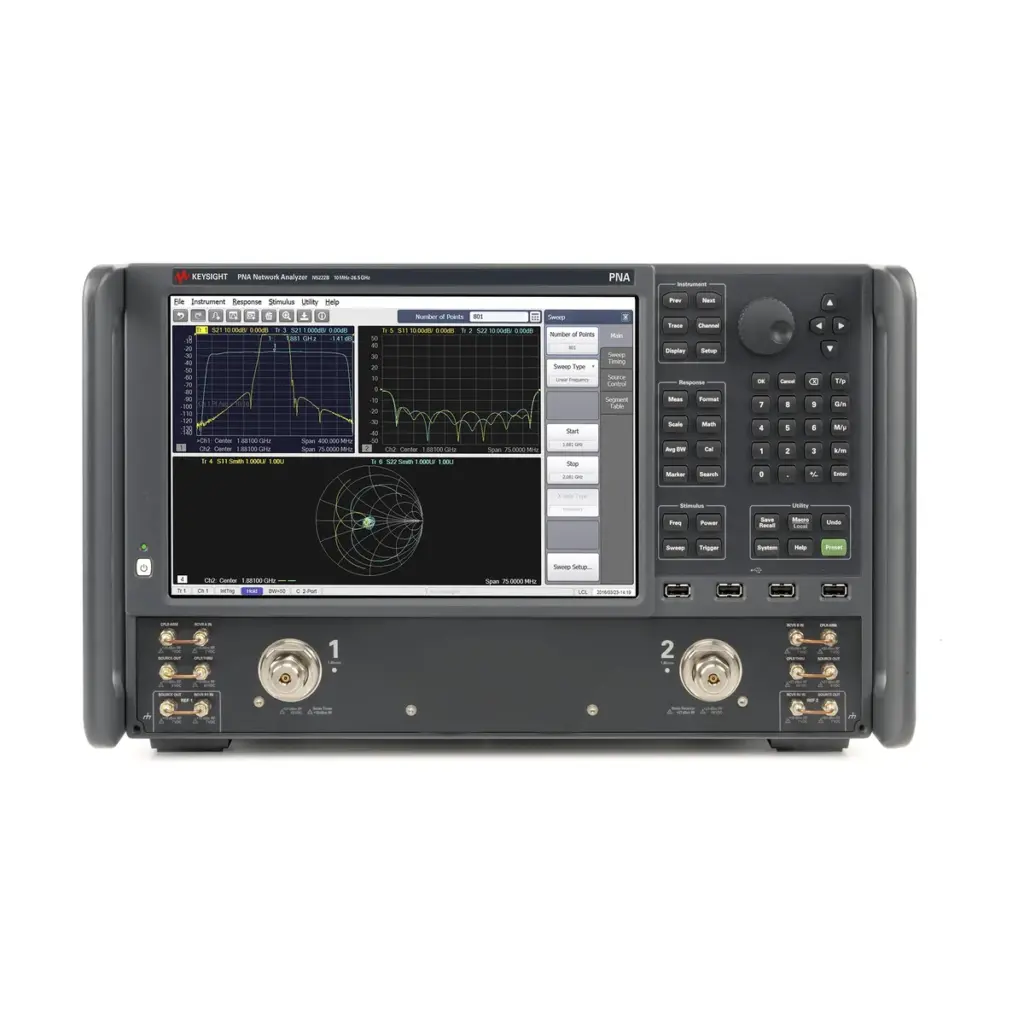
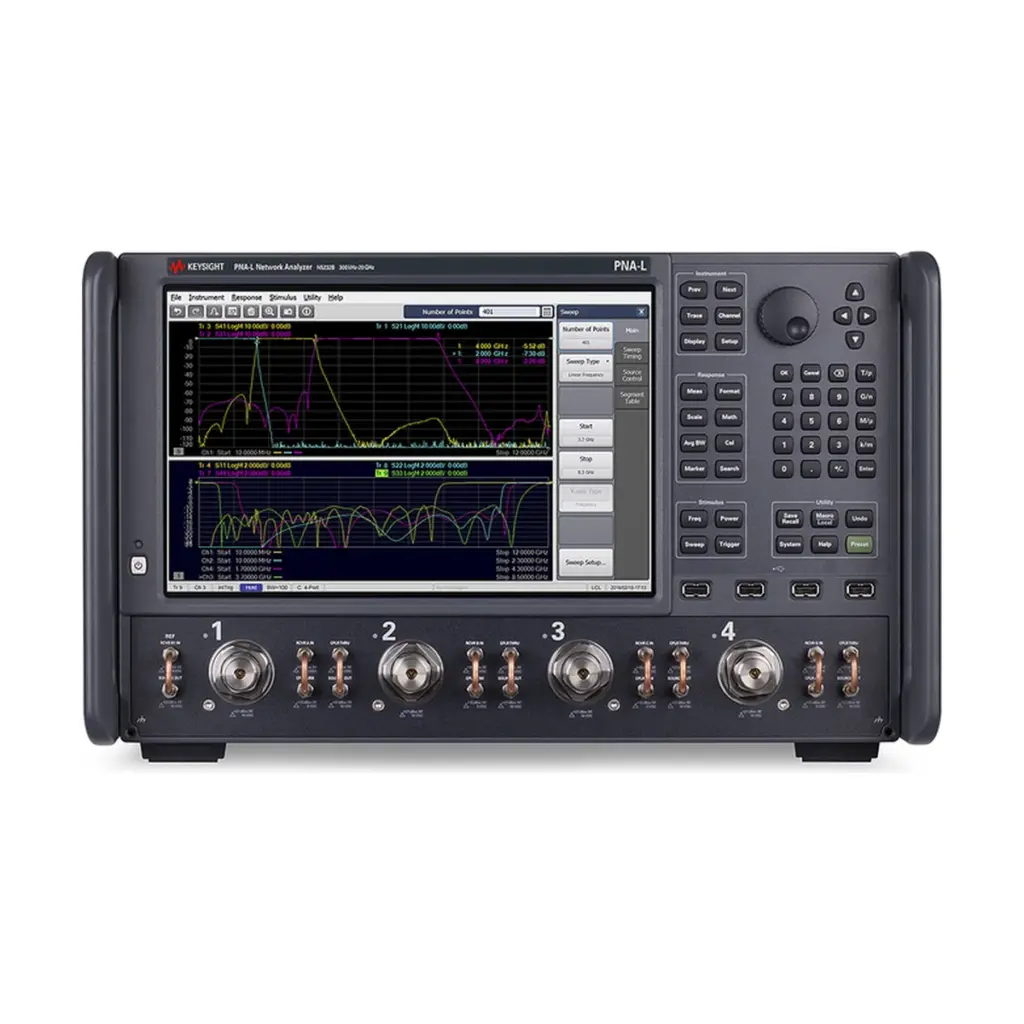
S-parameter work needs a clean, stable analyzer and a good calibration. A Keysight E5080B network analyzer rental supplies both for the length of your project. The E5080B is the current ENA model and follows the long-running E5071C. So it is the model most renters should ask for today.
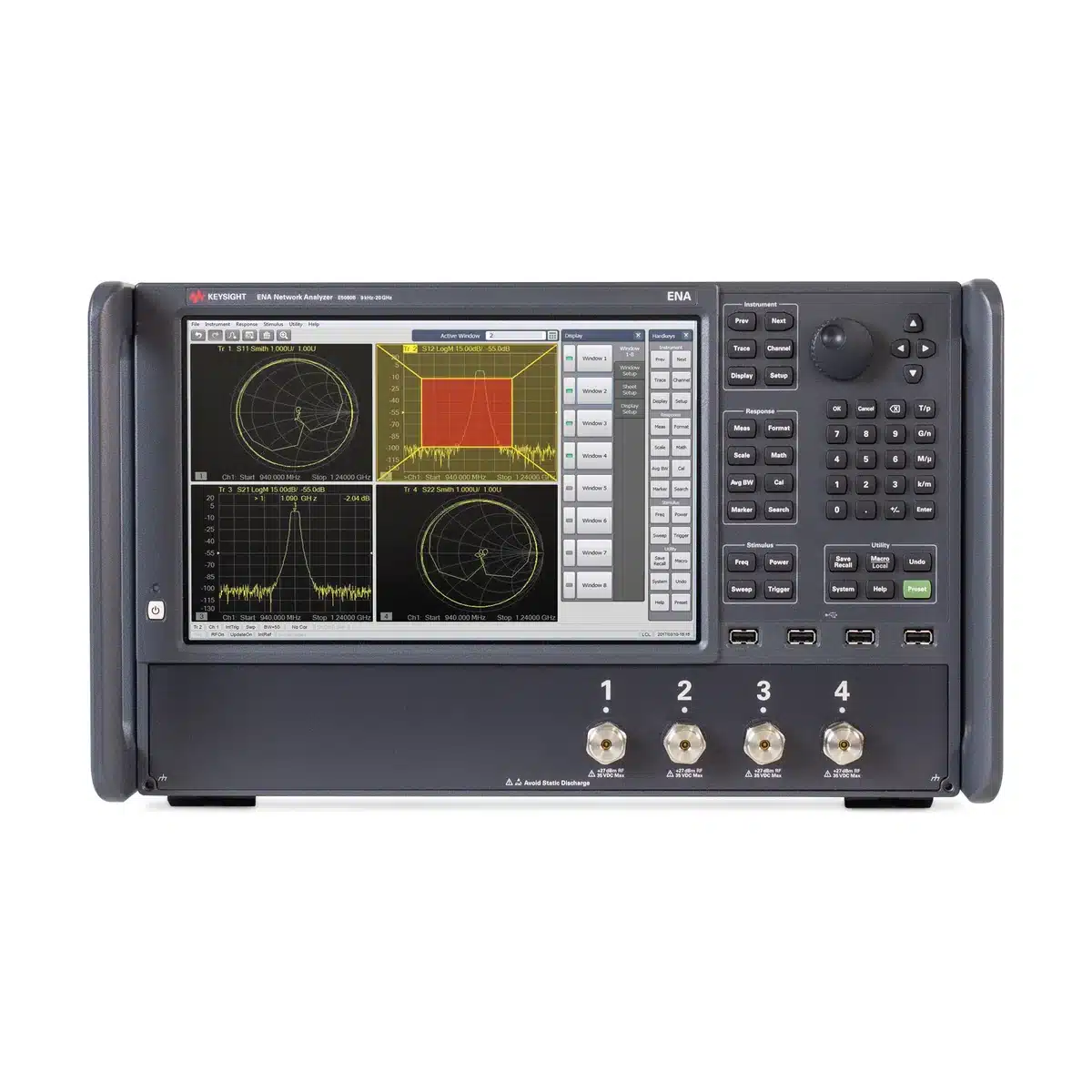
What the ENA measures well
Keysight quotes a wide 140 dB dynamic range for this analyzer on its product page. In practice, that range lets you see deep filter rejection and small reflections in the same sweep. Low trace noise also keeps repeated sweeps steady, while fast sweeps keep test time short on a line. In addition, time-domain analysis shows where an impedance step sits along a cable or a PCB trace.
Typical devices on the bench
- Filters, duplexers and antennas for 5G and Wi-Fi products.
- Coax cable assemblies and connectors.
- PCB transmission lines and interconnects.
- RF test sockets on semiconductor packaging lines.
- IoT front-end modules in FDI R&D centres.
Choosing ports and frequency
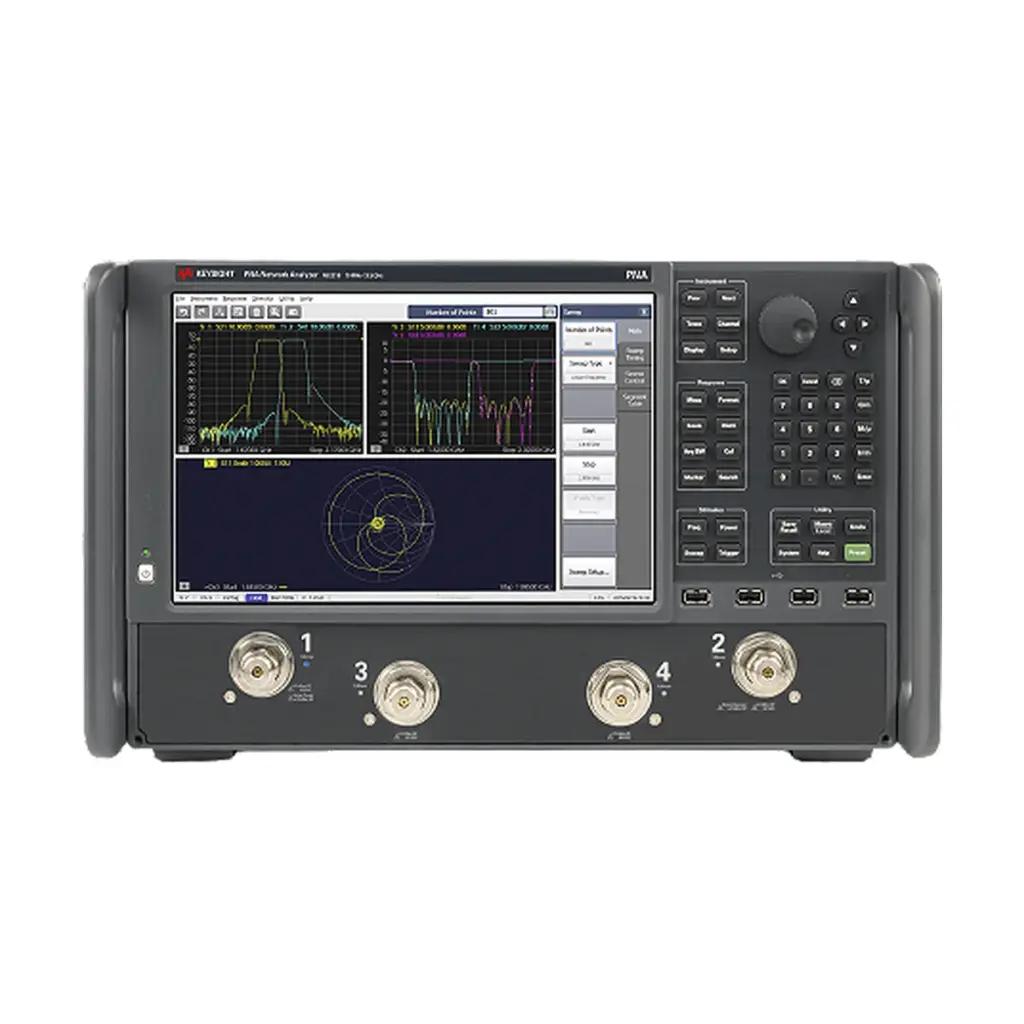
Two choices shape the quote. First, pick the top frequency. According to Keysight, lower models start at 9 kHz and reach 4.5, 6.5, 9, 14 or 20 GHz. Higher models start at 100 kHz and reach 26.5, 32, 44 or 53 GHz. Second, pick 2 or 4 ports. A 2-port unit suits most filters and cables. However, differential lines and multi-port parts are faster to test with 4 ports. Because a higher range costs more, rent only the span your device needs.
Getting the most from a Keysight E5080B network analyzer rental
Lost in HCM quotes the calibration kit and test-port cables with the analyzer. As a result, the system arrives ready for an on-site calibration. Tell them your connector type, such as SMA or 3.5 mm, so the kit and cables match your fixtures.
On delivery
Check the power cord, LAN cable, calibration kit, cables and the calibration certificate. Then confirm the frequency range and port count in the system menu. Finally, run a full calibration and verify it with a known through or a short cable.
At return
Cap every port and store each calibration standard in its case. Also clear your saved states, since the next user will set up from scratch.
SMK Vietnam lists this analyzer, while Lost in HCM supplies it and sets the price. Please request a quote from Lost in HCM with your range, ports and dates. You can also browse network analyzer rentals, read the E5080B page on keysight.com, or contact SMK Vietnam.
E5080B rental FAQ
Should I rent a 2-port or 4-port E5080B?
Use 2 ports for most filters, antennas and cables. Choose 4 ports for differential lines or parts with more than two RF connections.
Does a Keysight E5080B network analyzer rental include a calibration kit?
Lost in HCM quotes the calibration kit and test-port cables with the analyzer, so ask for the connector type you use.
Is the E5080B a replacement for the E5071C?
Yes. The E5080B is the newer ENA model that follows the E5071C.







Reviews
There are no reviews yet.