
Description
Few modern laptops carry a GPIB card, but every lab has Ethernet. The Keithley 2306-LAN battery charger simulator lists the same two outputs, 15 V and 5 A as the 2306, with LAN as its connection. Lost in HCM lists it for rental and sale and arranges service on request.
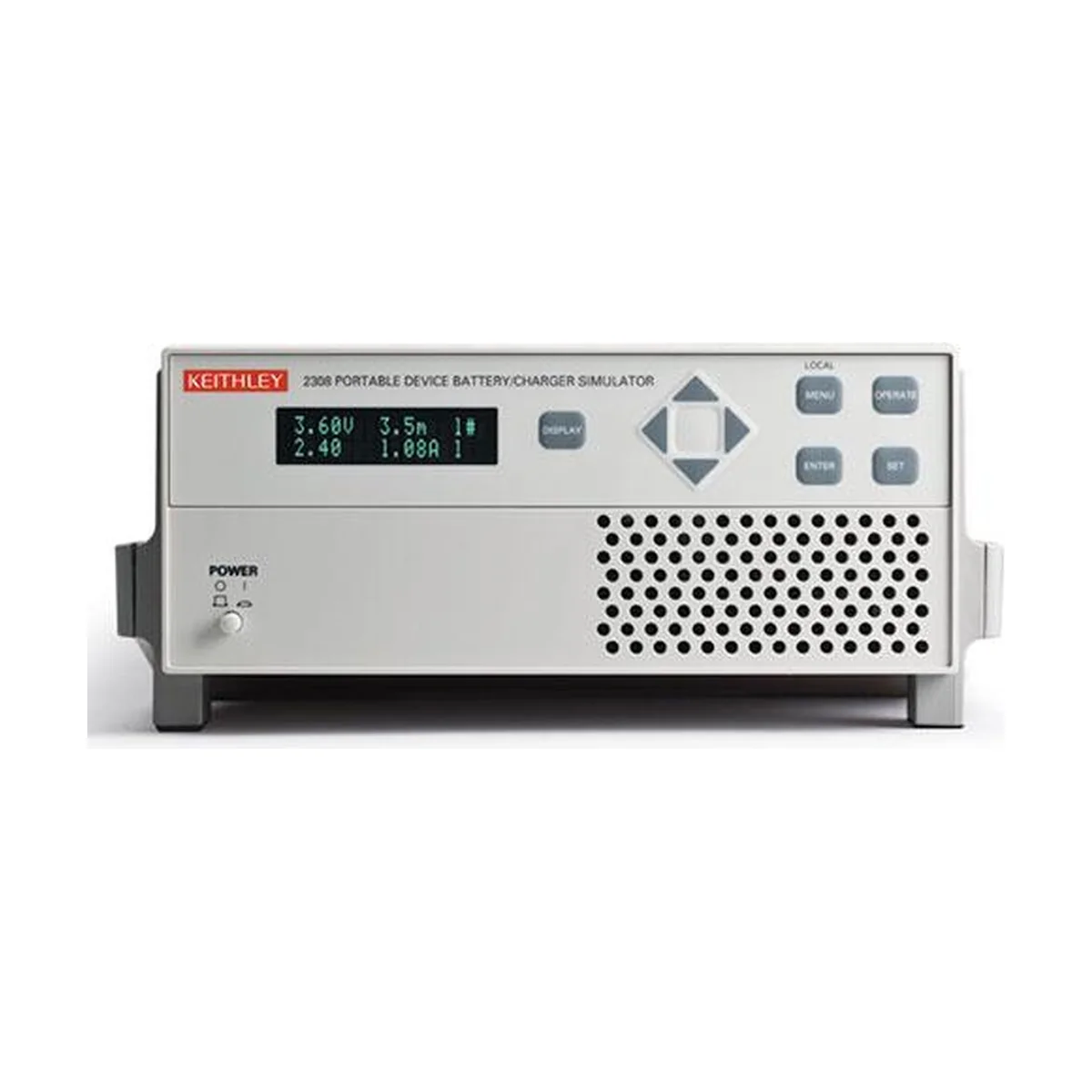
Network control for the Keithley 2306-LAN battery charger simulator
LAN runs over standard cabling, so the instrument can sit in a rack while engineers work from their desks. Moreover, a laptop needs no adapter card to reach it. Because the lab network is already in place, setup stays short. The listing names LAN only, so ask Lost in HCM whether a GPIB port is also present if your old scripts still need one.
| Item | Value |
|---|---|
| Product type | Dual-channel battery charger/simulator |
| Outputs | 2 |
| Maximum voltage | 15 V |
| Maximum current | 5 A |
| Current sinking | Up to 3 A |
| Connectivity | LAN |
A charge-and-drain routine
Start by letting one output play the battery. Then run your charger against it and watch how the unit takes current in. With sinking up to 3 A, the simulator can absorb charge instead of only supplying it. Afterward, repeat the routine with the second output driving a different rail, so one rack covers the whole test. The same approach supports research, device characterization and battery-powered product testing.
Checks before you rent or buy
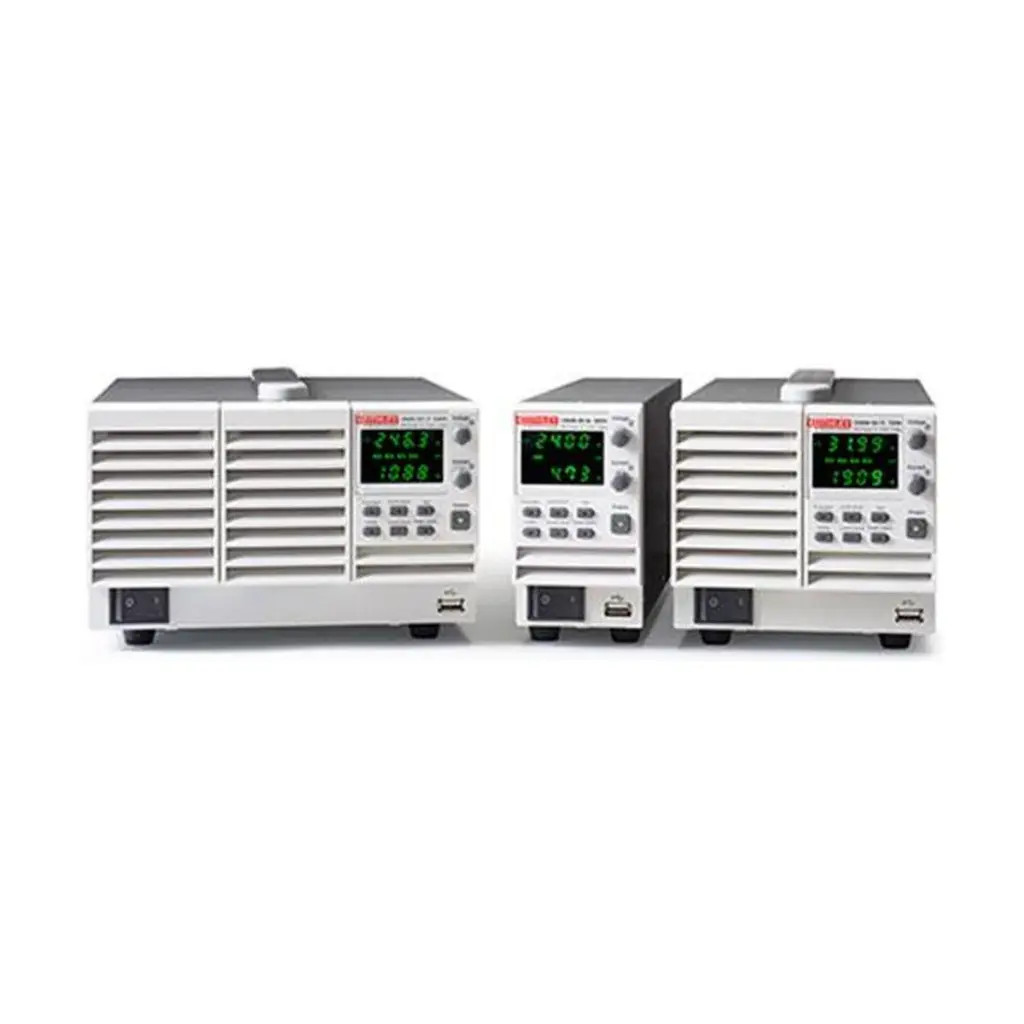
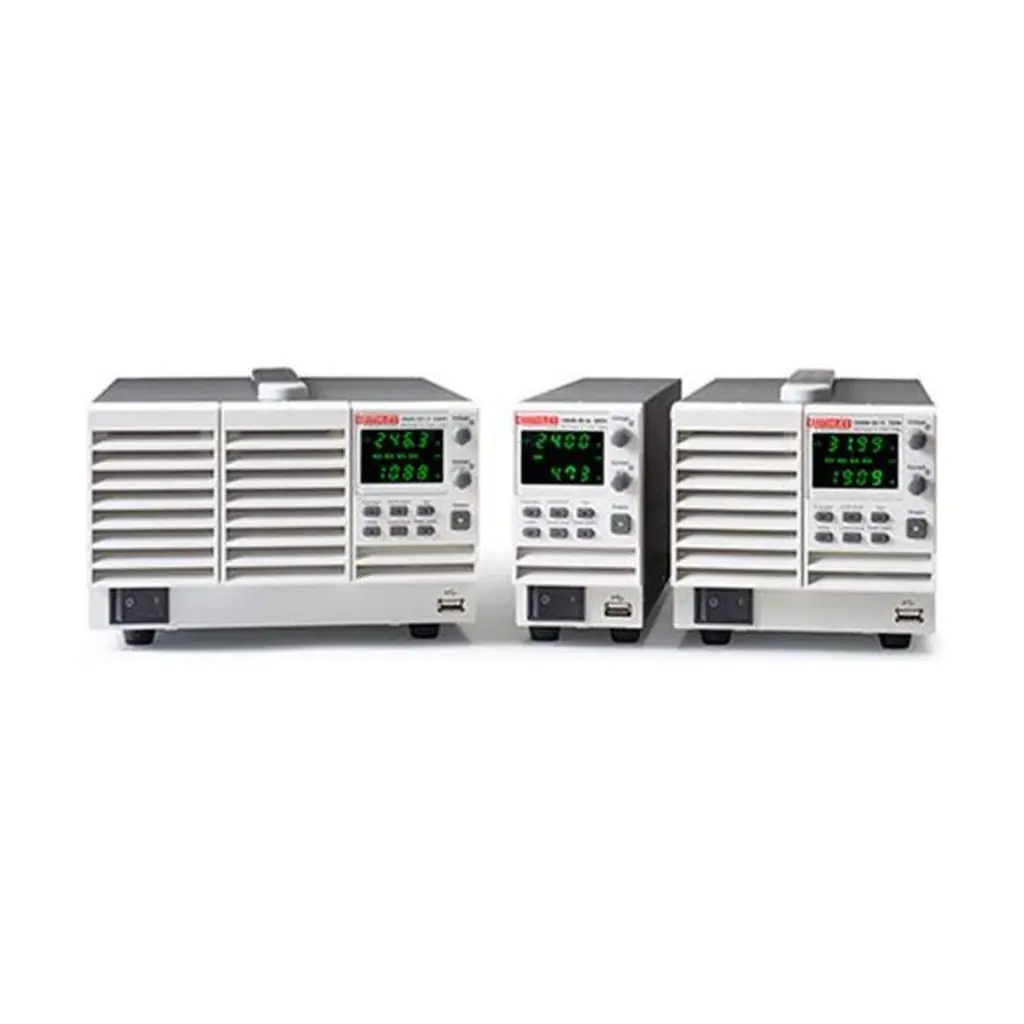
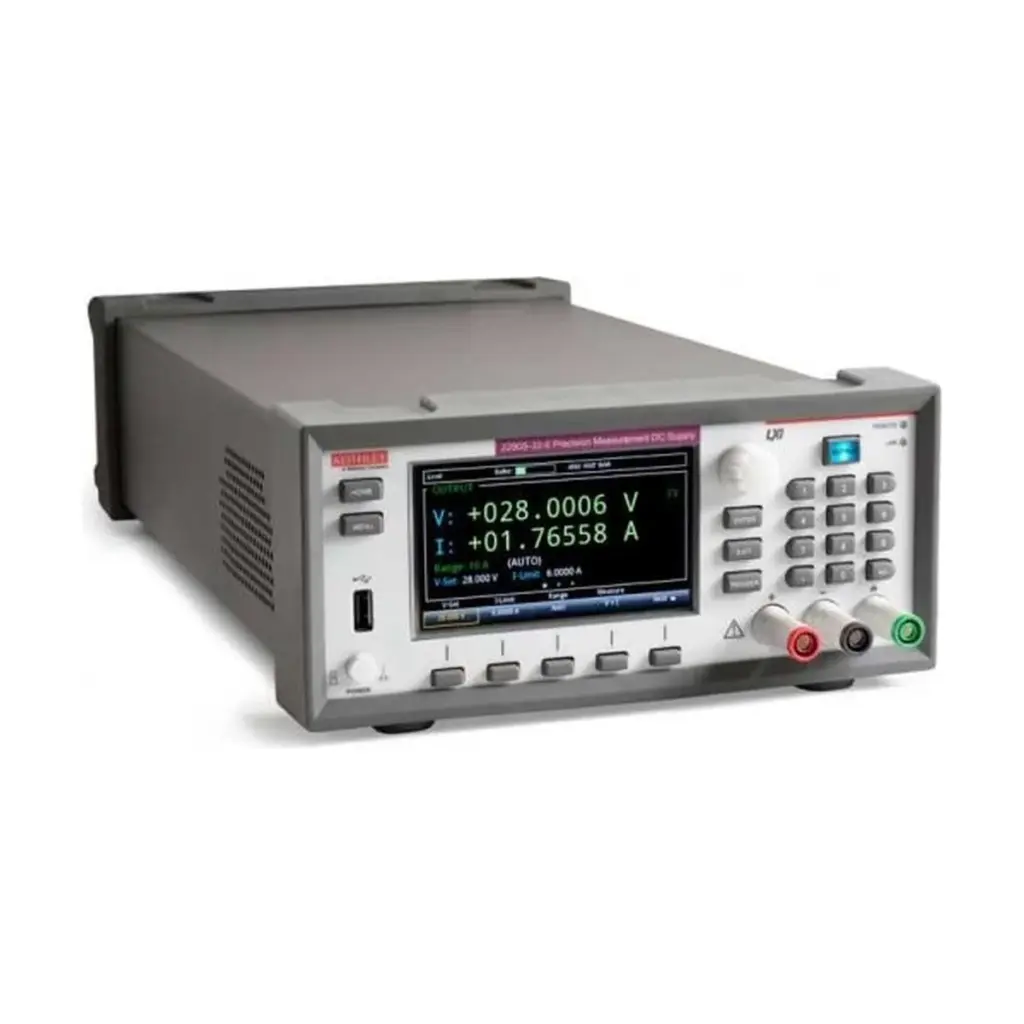
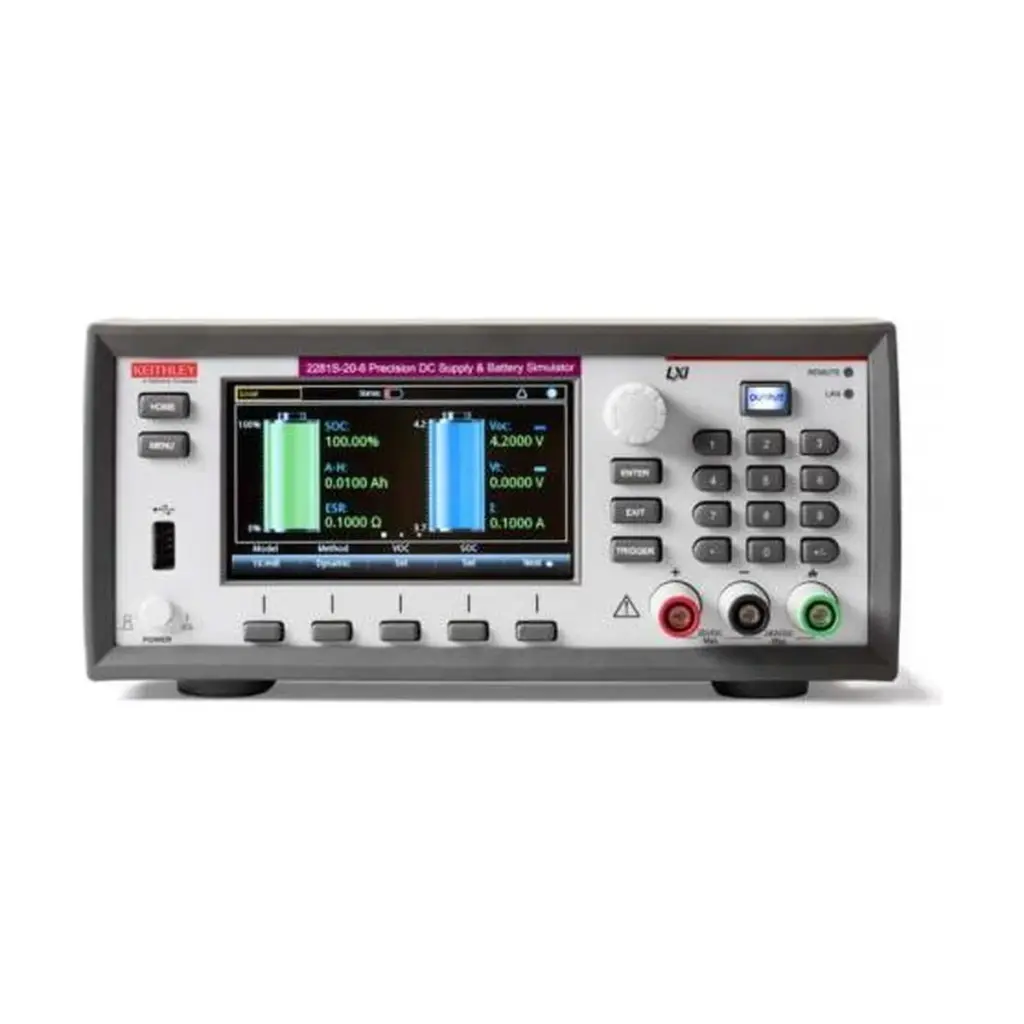
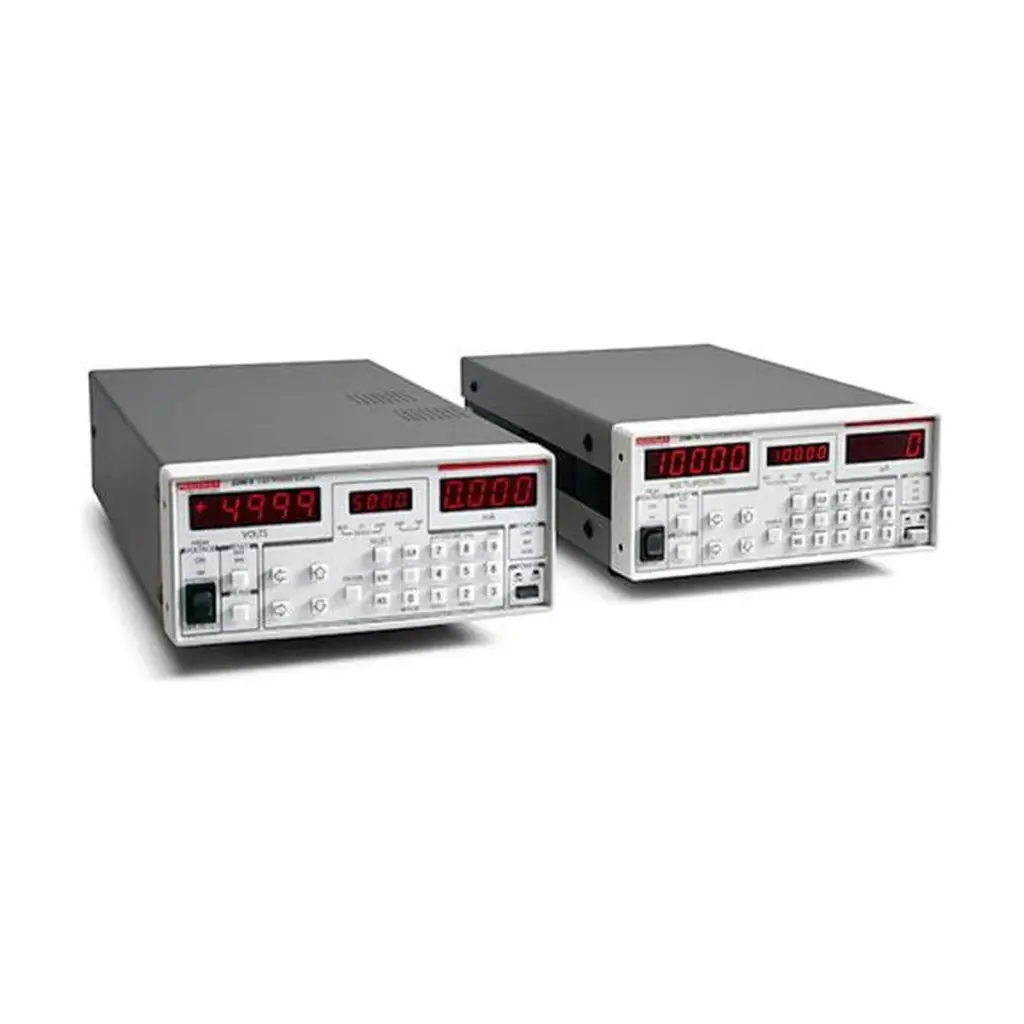
Confirm the AC line option, your network setup, the cables and the software that will command the unit. Check polarity, grounding and protection settings on the device under test too. The product photo shows a related Keithley simulator, so treat it as a series reference.
Rent or buy the 2306-LAN
Choose a rental for a launch window or a charger shoot-out. Choose a purchase of the Keithley 2306-LAN battery charger simulator for a permanent networked rack. Then request a quote from Lost in HCM with your dates and site. You can also browse more power supplies, see Tektronix for Keithley information, or contact SMK Vietnam.
2306-LAN questions
Does the 2306-LAN use GPIB?
The listing names LAN only. Ask Lost in HCM if you also need GPIB.
What does LAN save me?
It removes the need for a GPIB adapter card and lets you use ordinary network cabling.
How many outputs does it have?
Two, with up to 3 A of current sinking according to the listing.








Reviews
There are no reviews yet.