
Description
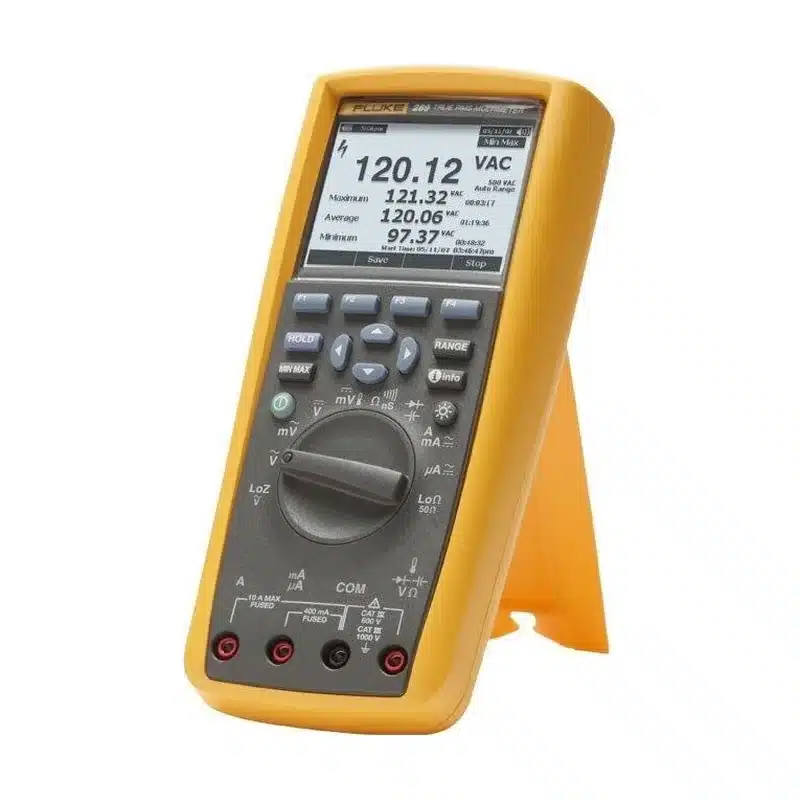
Some faults only show up at 2 a.m. on a Sunday. A Fluke 289 multimeter rental lets you leave a meter on the machine overnight and come back to a full record. Then TrendCapture draws the readings on the display, so you see the moment a voltage sagged without a laptop.
Why a logging meter beats a spot reading
A normal meter shows one value at one moment. However, an intermittent fault needs a timeline. The 289 stores a series of readings on board and plots them, so a short dip or a slow drift stands out. In addition, FlukeView Forms software exports the log for a service report.
Accuracy also matters when you document a fault. The 289 offers a 50,000-count display and 0.025% DC voltage accuracy. Its low-impedance mode removes ghost voltages on long cable runs, while a 50 Ω range helps with low resistance checks.
Jobs that suit a Fluke 289 multimeter rental
- Tracing a PLC input that drops out once a shift.
- Logging temperature or a 4-20 mA loop during process commissioning.
- Watching battery and UPS behavior through a load test.
- Showing a customer how a sensor drifts over a weekend.
- Giving a field technician a portable reference meter for a short job.
289 or 87V?
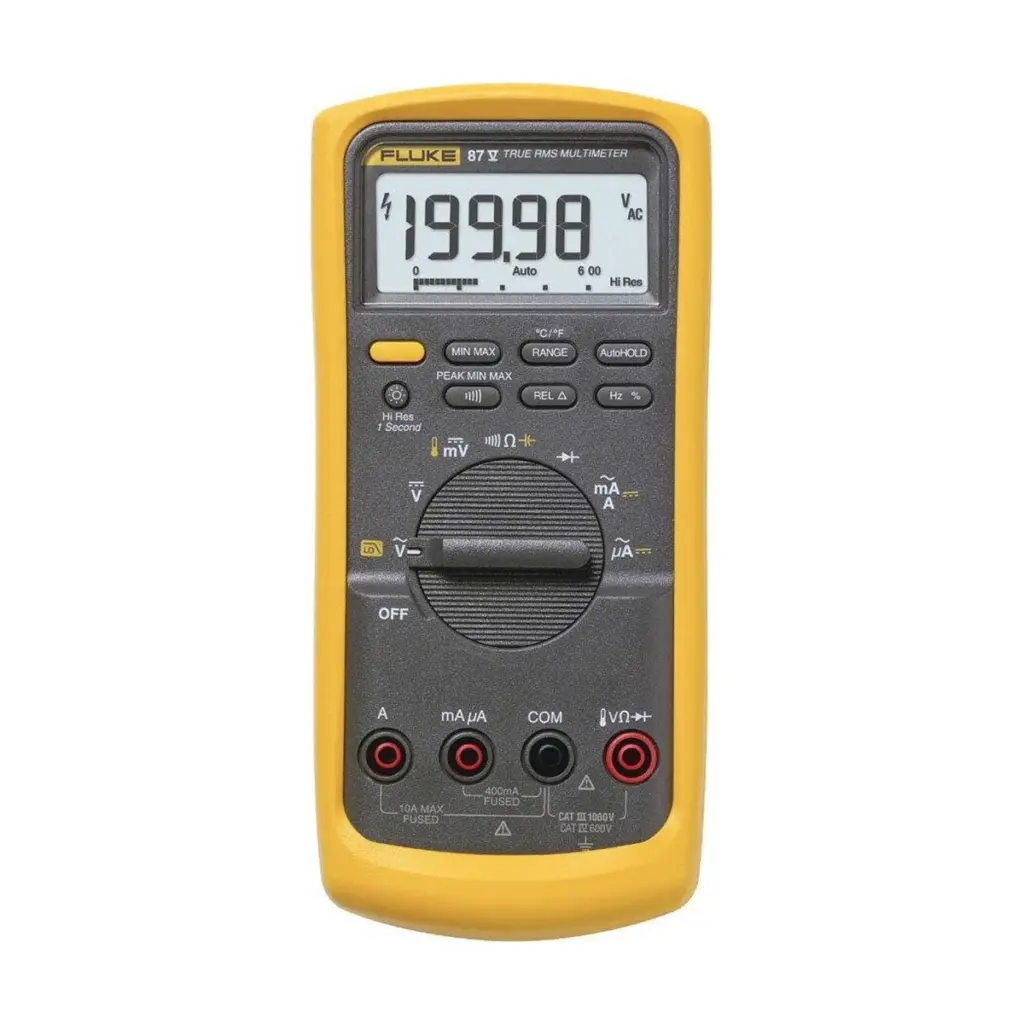
The Fluke 87V is a strong everyday meter, yet it does not graph trends on screen. So choose a Fluke 289 multimeter rental when the job involves waiting for a fault. For plain troubleshooting rounds, the 87V usually costs less to rent.
Setting up an overnight log
First, fit fresh batteries, because a long log drains them. Next, secure the leads so a passing cart cannot pull them loose. Then set the logging interval to match the fault; a short interval fills the memory faster. Finally, label the meter so night staff leave it alone.
What to check at hand-over and return
At delivery, look over the leads, probes and case. Also check that the calibration certificate shows the same serial as the meter. Before return, export your logs and clear any site data you do not want to share.
Request a quote
Lost in HCM supplies and quotes every unit, so request a quote from Lost in HCM with your start date and length of hire. You can also compare other multimeters for rent or contact SMK Vietnam. Fluke lists the full specifications on the Fluke official site.
Fluke 289 rental FAQ
Do I need a PC to see the logged data?
No. TrendCapture shows the graph on the meter itself. You only need a PC to export the log into a report.
Can the 289 measure on long cable runs without ghost readings?
Yes. Its low-impedance mode helps remove ghost voltages caused by coupling on long runs.
How do I book one?
Use the quote button or contact Lost in HCM. They confirm price and dates for your site.







Reviews
There are no reviews yet.